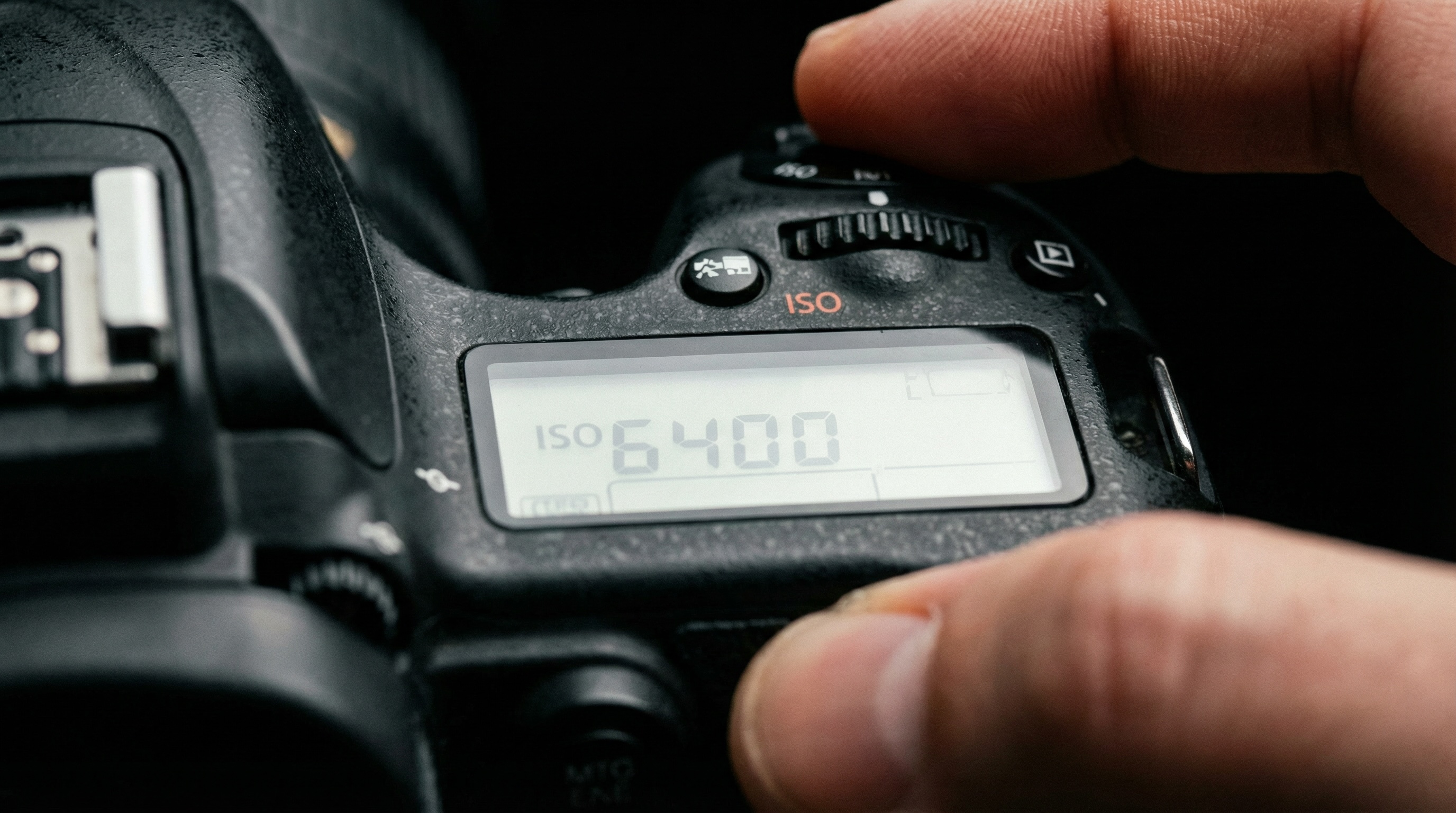
There's a moment every photographer knows. You're looking at a scene and you have to decide: do I want to freeze this, or let it breathe? Do I want everything sharp, or just the thing that matters? Do I want it clean and pristine, or grainy and alive?
Those decisions used to live in the hands of people who'd spent years learning what every dial and number actually meant. F-stops. Shutter fractions. ISO values. A whole technical vocabulary standing between you and the image in your head.
Here's what's changed.
AI image models are trained on millions of real photographs. Images made by people who knew exactly what their camera was doing when they made them. Every setting they chose left a mark on the image, and that mark is in the training data. The model knows what a wide aperture looks like. It knows what a fast shutter feels like. It knows the difference between a clean low-ISO shot and something grainy and urgent.
You don't need to understand the technical mechanics. You just need to name the setting.
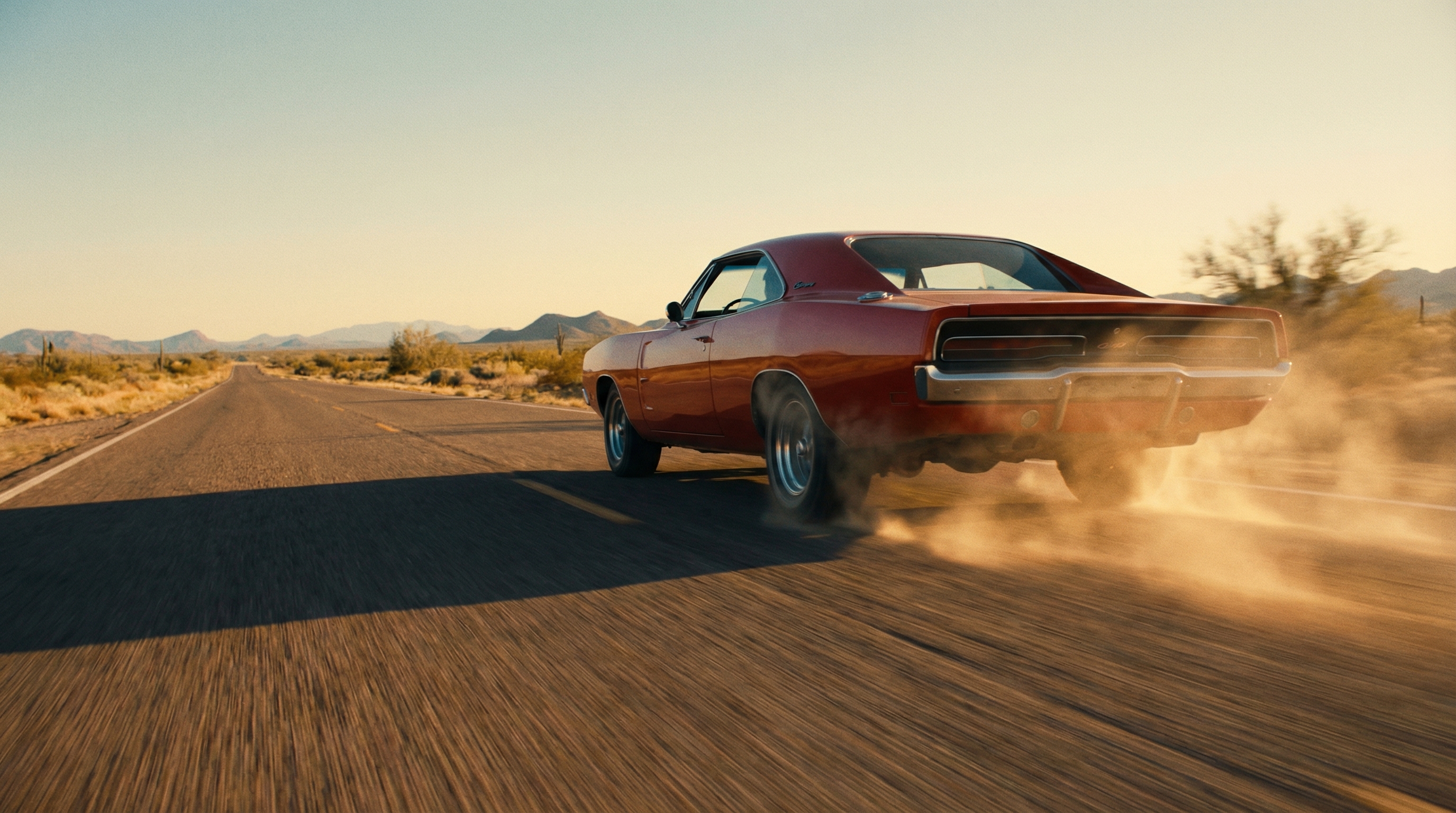
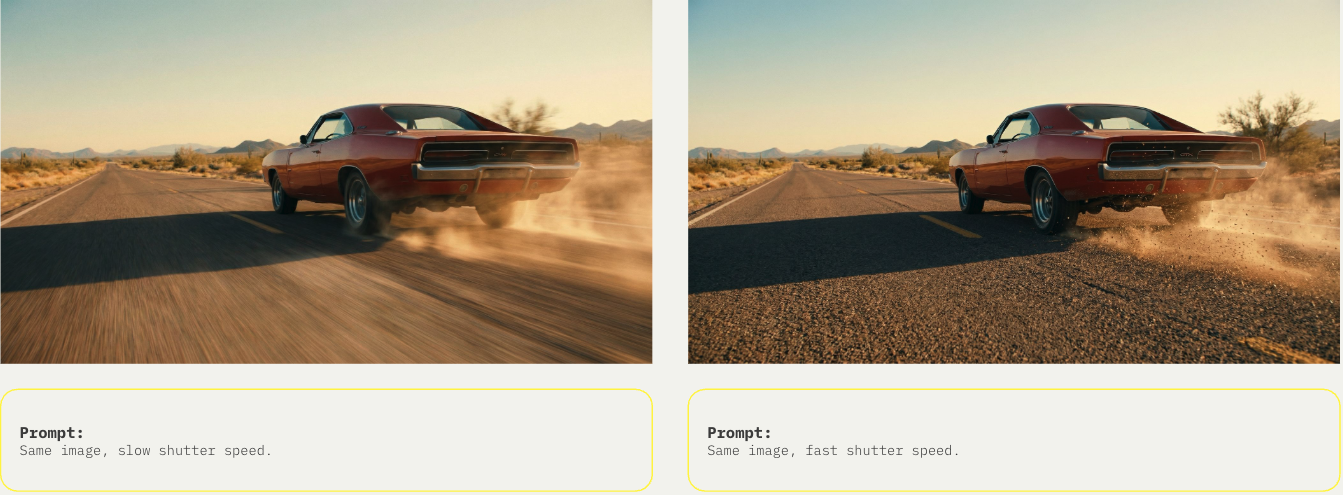
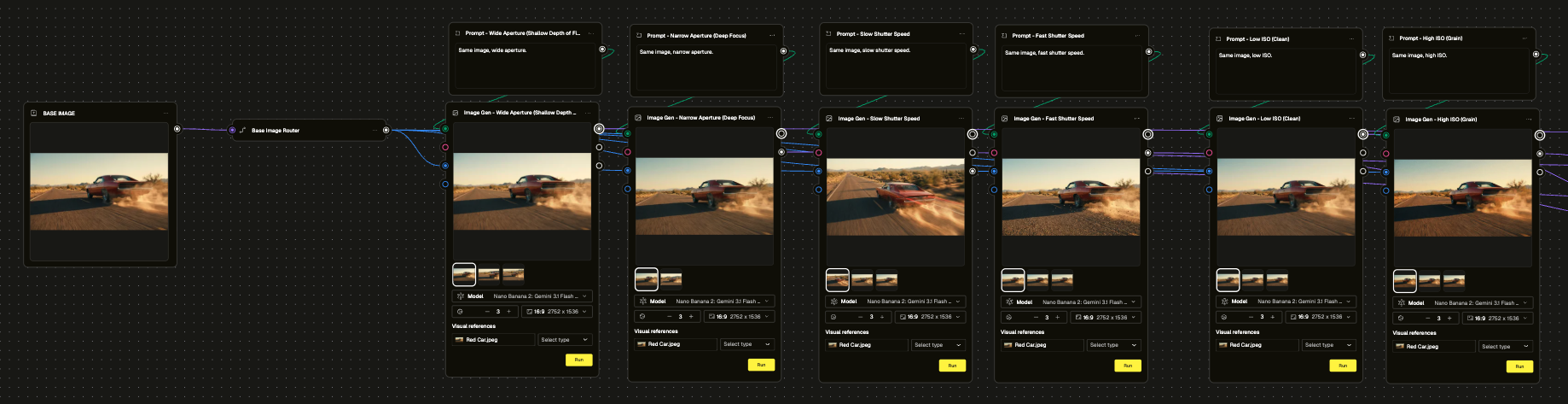
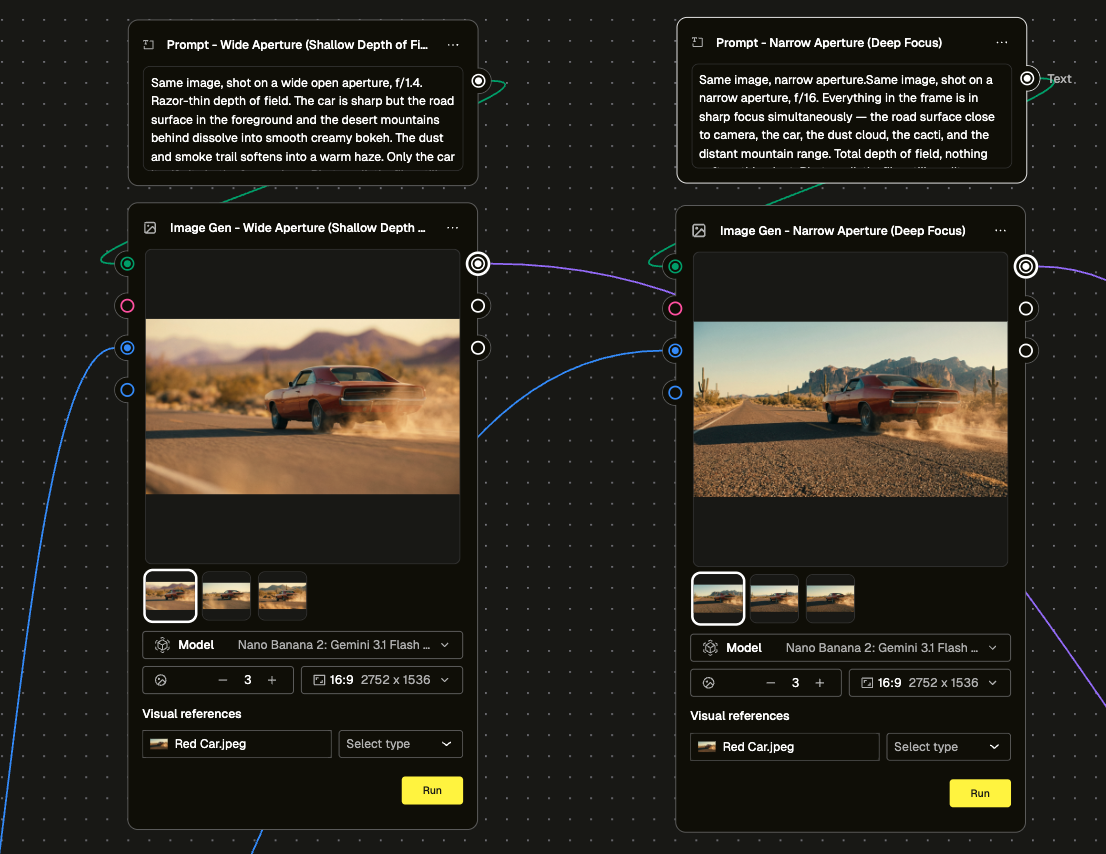
In this module, we took a single scene — a vintage muscle car pushing hard down a desert highway — and ran it through six camera settings in parallel. Wide aperture versus narrow. Slow shutter versus fast. Low ISO versus high. Same car. Same road. Same light. Six completely different images, each one carrying a different feeling.
Wide aperture pulled focus to the car and dissolved the desert behind it into warm bokeh. Narrow aperture made everything sharp, the road, the dust cloud, the mountains in the distance, nothing escaping the frame. Slow shutter let the car streak, speed becoming a blur of red. Fast shutter froze it — dust particles hanging, tyre smoke locked mid-air, a moment that doesn't exist in human vision. Low ISO gave us something pristine and accurate. High ISO pushed the grain in and made the whole thing feel rawer, more urgent.
One prompt node per setting. Each one just naming what it wanted. The model did the rest.
And if you need to push further? You can describe it. Name the f-stop. Specify the shutter fraction. Tell the model exactly how you want the motion blur to behave. The more precise your instruction, the more precise the result. But the simple version works too — and that's the point. Start with the name. Refine from there.
Camera settings aren't technical decisions. They're creative ones. They change what the viewer feels, not just what they see.
Go do the module. Then go make something worth looking at.