

Auto-Resize Formats

# Beta
Beta Launch: April 16
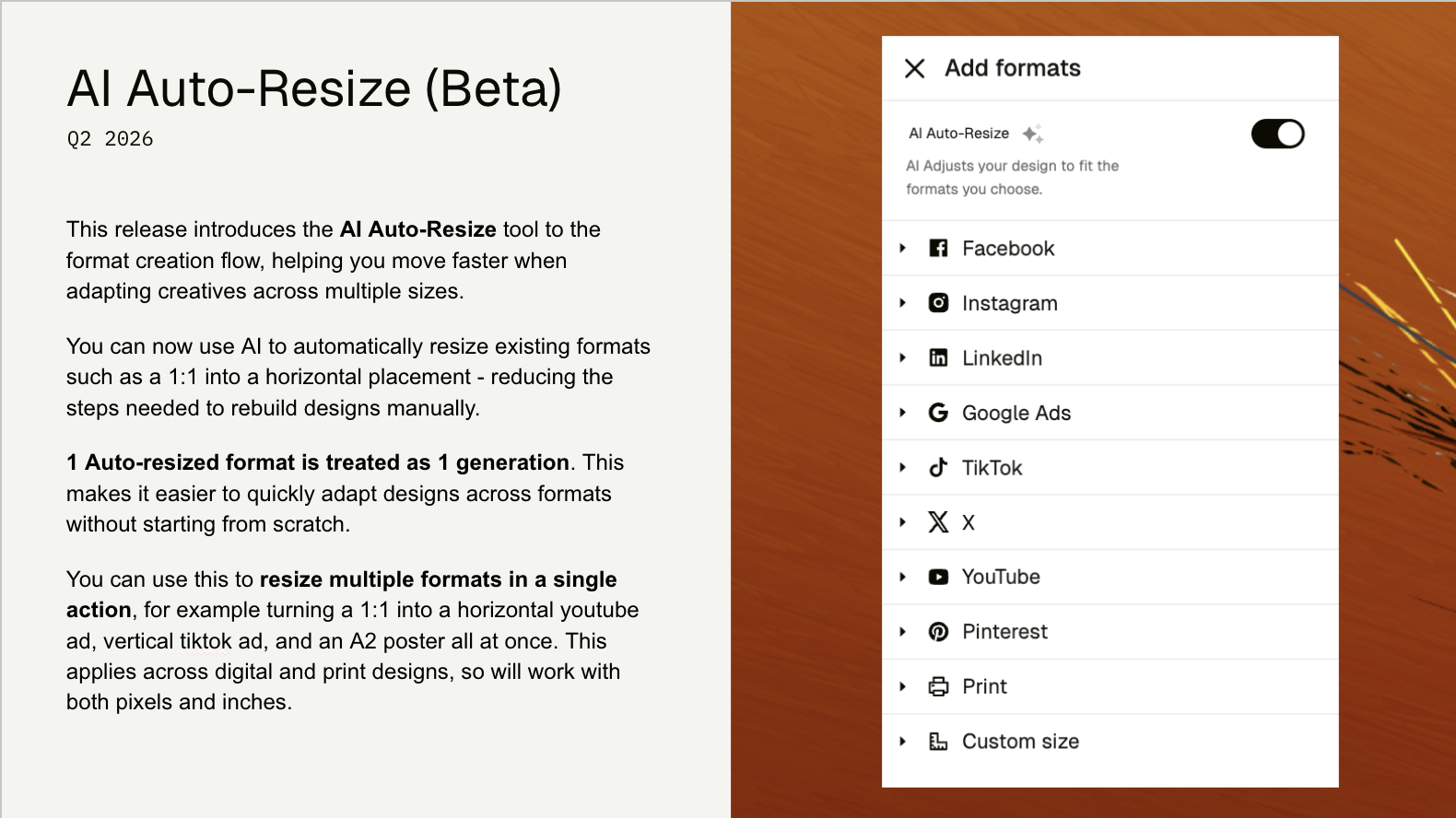
April 15, 2026This release introduces the AI Auto-Resize tool to the format creation flow, helping you move faster when adapting creatives across multiple sizes.
You can now use AI to automatically resize existing formats—such as a 1:1 ratio into a horizontal placement—reducing the steps needed to rebuild designs manually. Each auto-resized format is treated as a generation, making it easier to quickly adapt designs across formats without starting from scratch.
You can use this to create multiple formats in a single action; for example, turning a 1:1 design into a horizontal YouTube ad, a vertical TikTok ad, and an A2 poster all at once. This applies across both digital and print designs, so it works with both pixels and inches.
Pricing:
Every individual format generated using the AI Auto-Resize feature is treated as 1 generation. So, if you generate 3 formats from 1 existing format, that will be counted as 3 generations. To be most efficient, aim to generate after your initial format is ready to scale.
Notes
- You will need to enable this feature in beta. Once activated, it cannot be turned off.
- This is a beta release and we are still working on improving the behaviour of the AI resizing tool.
- Auto-Resize does not currently take into account safezones of the destination formats.
- Auto-Resize does not currently support video files.
- Auto-Resize is currently focused on formats natively within the editor and will not support After Effects workflows.
Comments (2)
Popular

Dive in