

Auto-Resize Formats

# Beta
Beta Launch: April 16
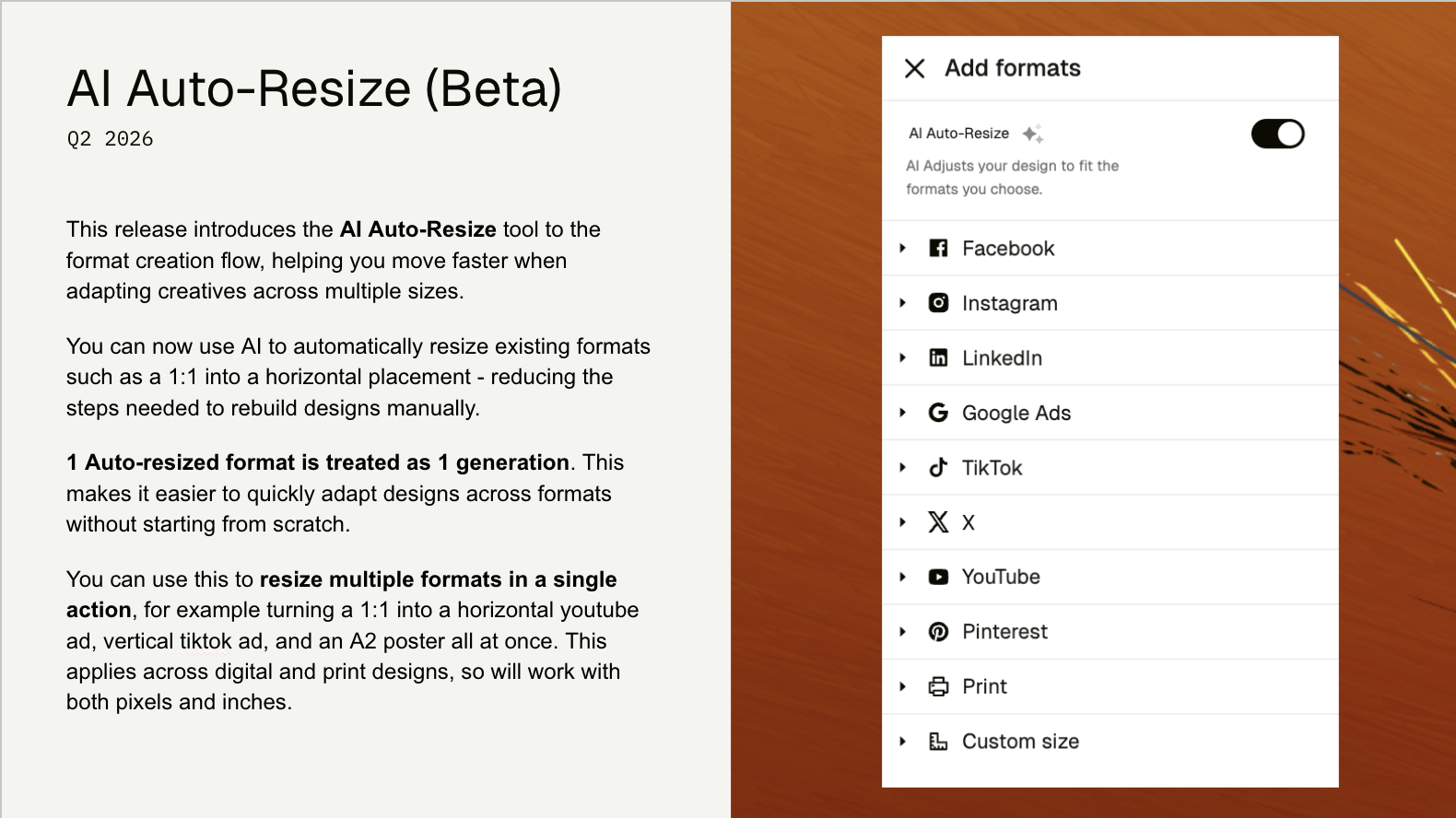
April 15, 2026This release introduces the AI Auto-Resize tool to the format creation flow, helping you move faster when adapting creatives across multiple sizes.
You can now use AI to automatically resize existing formats—such as a 1:1 ratio into a horizontal placement—reducing the steps needed to rebuild designs manually. Each auto-resized format is treated as a generation, making it easier to quickly adapt designs across formats without starting from scratch.
You can use this to create multiple formats in a single action; for example, turning a 1:1 design into a horizontal YouTube ad, a vertical TikTok ad, and an A2 poster all at once. This applies across both digital and print designs, so it works with both pixels and inches.
Pricing:
Every individual format generated using the AI Auto-Resize feature is treated as 1 generation. So, if you generate 3 formats from 1 existing format, that will be counted as 3 generations. To be most efficient, aim to generate after your initial format is ready to scale.
Notes
- You will need to enable this feature in beta. Once activated, it cannot be turned off.
- This is a beta release and we are still working on improving the behaviour of the AI resizing tool.
- Auto-Resize does not currently take into account safezones of the destination formats.
- Auto-Resize does not currently support video files.
- Auto-Resize is currently focused on formats natively within the editor and will not support After Effects workflows.
Comments (2)
Popular

Dive in
Related
Blog
Cursor Chat and Emoji Reactions in Canvas and Workflows
By Victoria Bryer • Jul 14th, 2026 • Views 23
Blog
Cursor Chat and Emoji Reactions in Canvas and Workflows
By Victoria Bryer • Jul 14th, 2026 • Views 23