Creative work has always been a sequence of decisions.
AI didn’t change that.
What AI changed is how fast we can explore those decisions and how easy it is to get lost if we don’t slow down first.
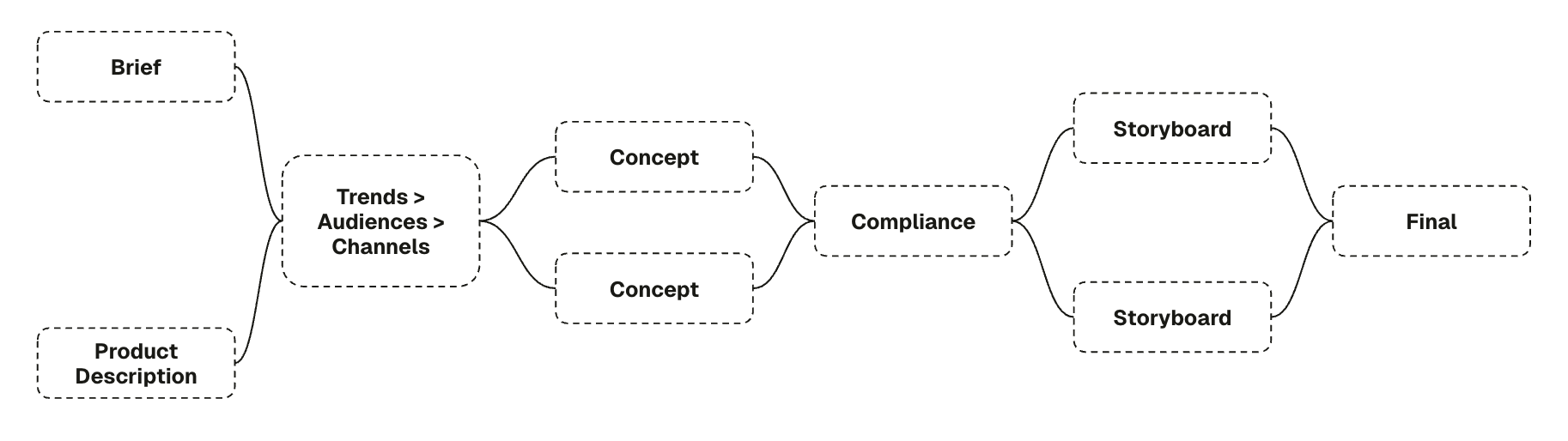
This is a practical walkthrough of how we used agent chaining inside Pencil to go from a vague skincare brief to two clear video ideas, without rushing, panicking, or “letting the AI decide.”
You can follow this same logic for almost any project.
No magic. Just structure.
Step 1: Start With the Product, Not the Platform
| Before prompts.
Before formats.
Before trends.
Start with the product.
In our case, it was a Super Hydrating Body Lotion. |
Not a “viral product.” Not a “TikTok idea.” Just a lotion with a job: - Feel good in hot, air-conditioned lives
This matters because AI amplifies whatever you give it.
If the product story is fuzzy, everything downstream becomes noise.
Rule of thumb:
If you can’t explain the product in one calm paragraph, don’t open the tool yet. |
Step 2: Ask What Do People Care About (Politely)
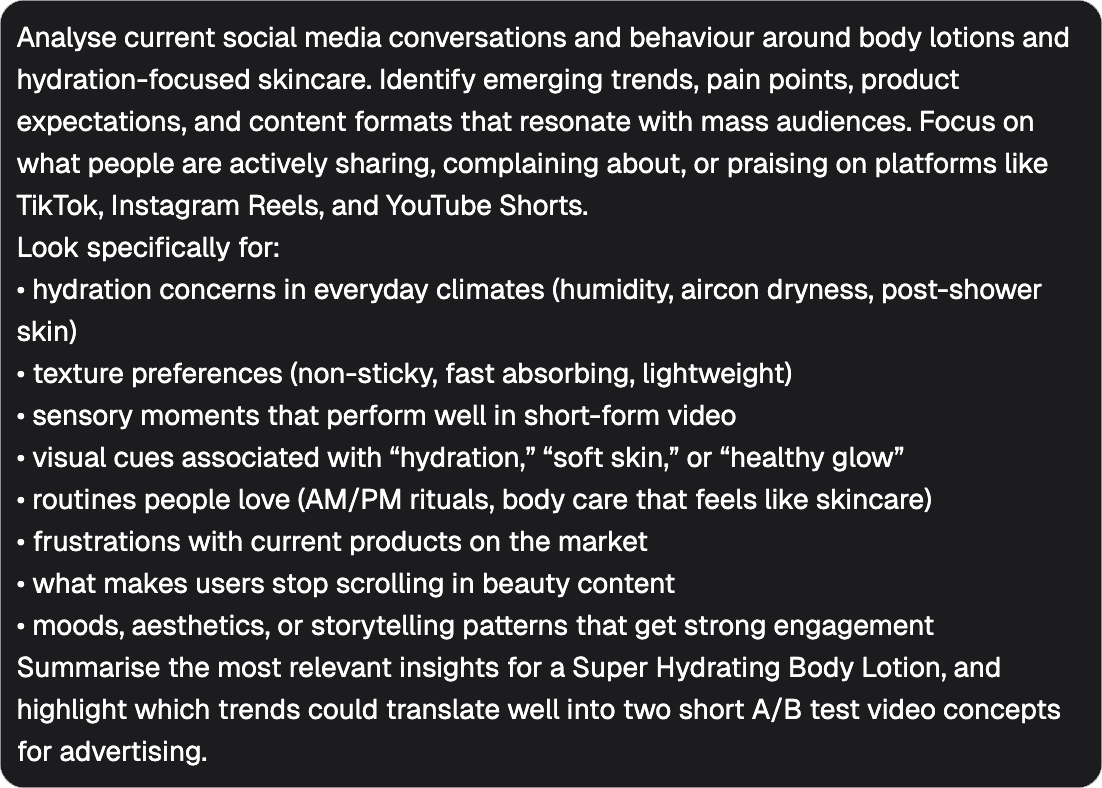
We used a Consumer Insights Agent. Not to predict the future.
Not to “find the next trend.”
Just to listen.
We asked: - What do people complain about?
- What moments keep repeating?
| |
The answer was reassuringly human: - Hydration is emotional, not clinical
- Short videos work when they show, not claim
Nothing revolutionary.
But clarity is often more valuable than novelty.
Lesson:
AI is very good at summarising what humans already agree on. That’s a feature, not a flaw. |
Step 3: Turn “Everyone” Into Someone
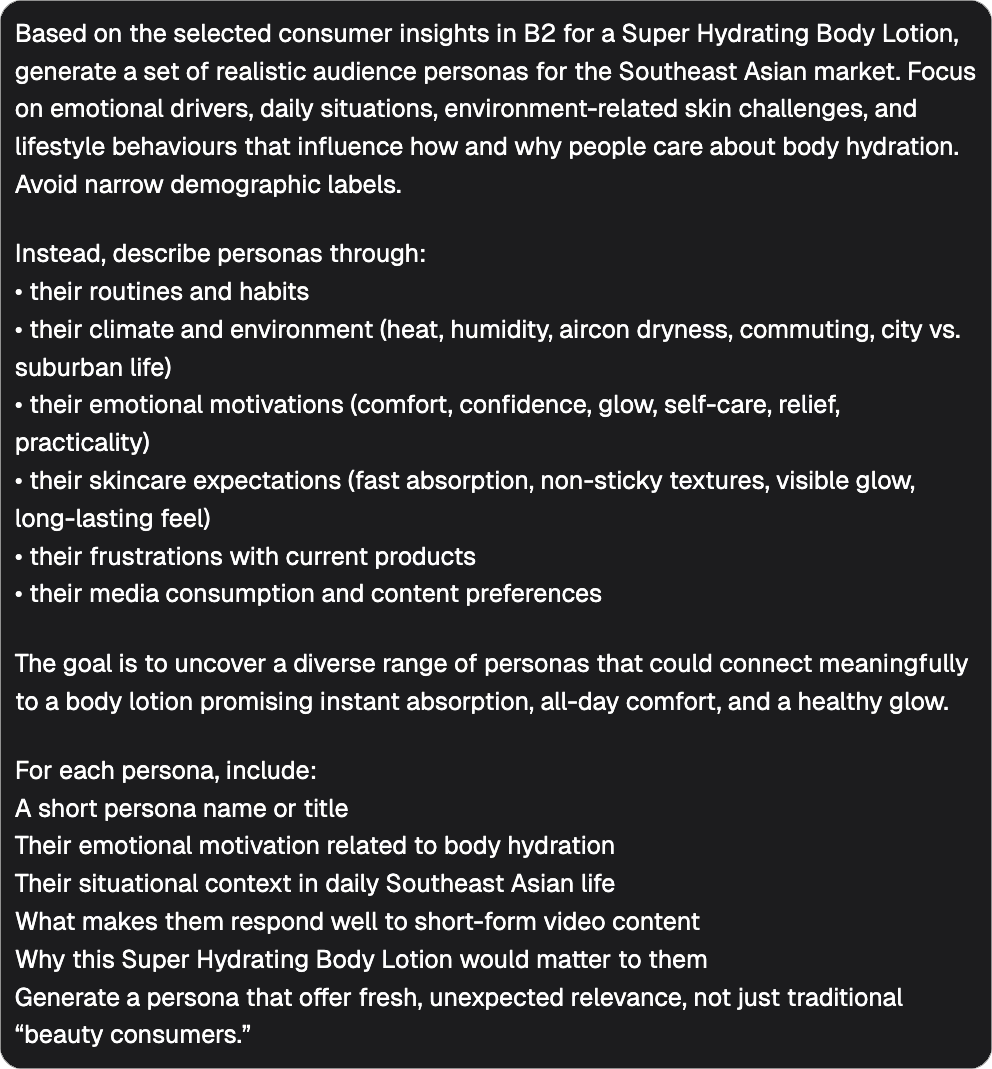
| Insights without people are just bullet points. So we passed the insights into an Audience Persona Agent.
We didn’t ask for perfection.
We avoided over-engineering.
Instead, we asked: - What does this person feel?
- Where are they when the problem happens?
- What does relief look like?
|
One persona stood out immediately:
The Aircon Warrior
Not because it was clever.
But because everyone in Southeast Asia knows one.
Dry office.
Hot commute.
Zero patience for sticky lotions.
If a persona makes you nod instead of debate, keep it. |
Step 4: Choose Channels That Match Behaviour, Not Hype
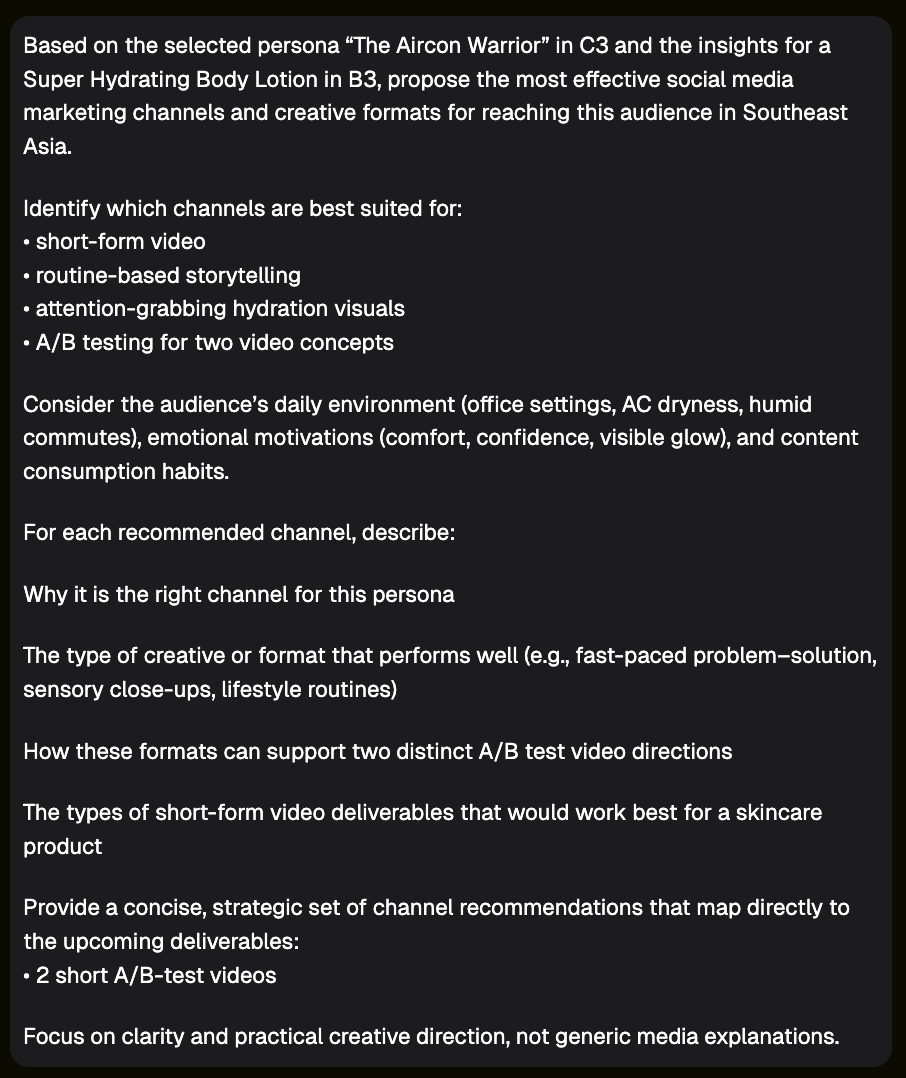
Only after we knew who we were talking to did we choose where.
TikTok and Instagram Reels won for one simple reason:
They are where problem-solution stories live comfortably.
Stories and static content weren’t wrong.
They just weren’t the best place to test two video ideas side by side.
| |
Reminder:
Channels are not creative ideas.
They are containers.
Pick the container that fits the behaviour. |
Step 5: Create a Concept, Not a Script
| Now comes the fun part.
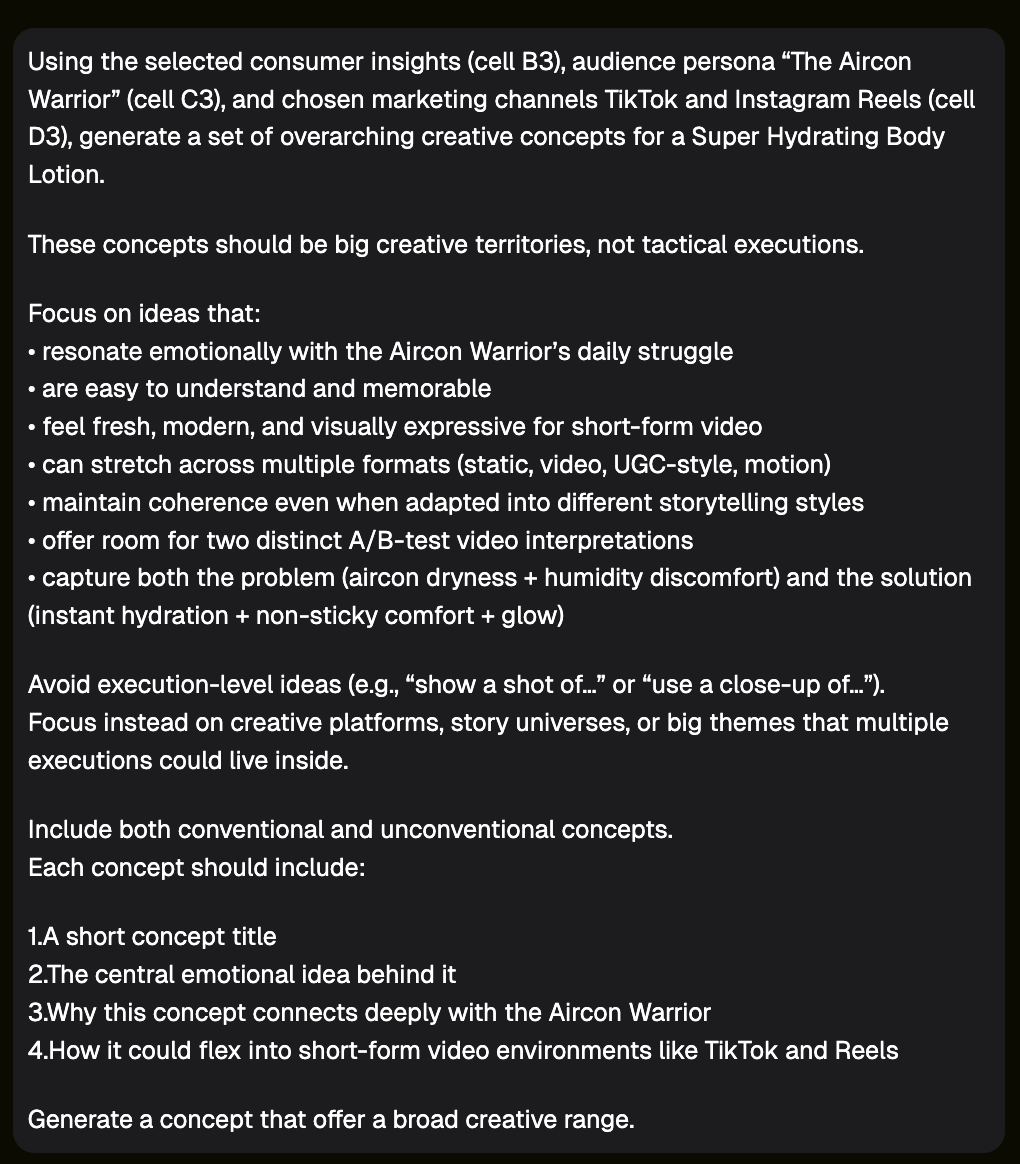
Using a Campaign Idea Agent, we developed overarching concepts, not executions.
Good concepts: - Can be explained in one sentence
We explored ideas around comfort, balance, and daily friction.
|
Some needed softening.
Some needed better language.
None were failures.
This is important:
Compliance feedback is not a rejection. It’s editing. A concept that survives refinement is stronger than one that avoids it. |
Step 6: Split the Idea Into Two Emotional Paths
For A/B testing, we didn’t change the product.
We changed the emotional lens.
Same lotion.
Same person.
Different reasons to care.
This is where AI helps enormously:
- You can explore both without doubling production
- You can compare tone, pace, and response
- You can learn without guessing
Step 7: Storyboard Before You Animate Anything
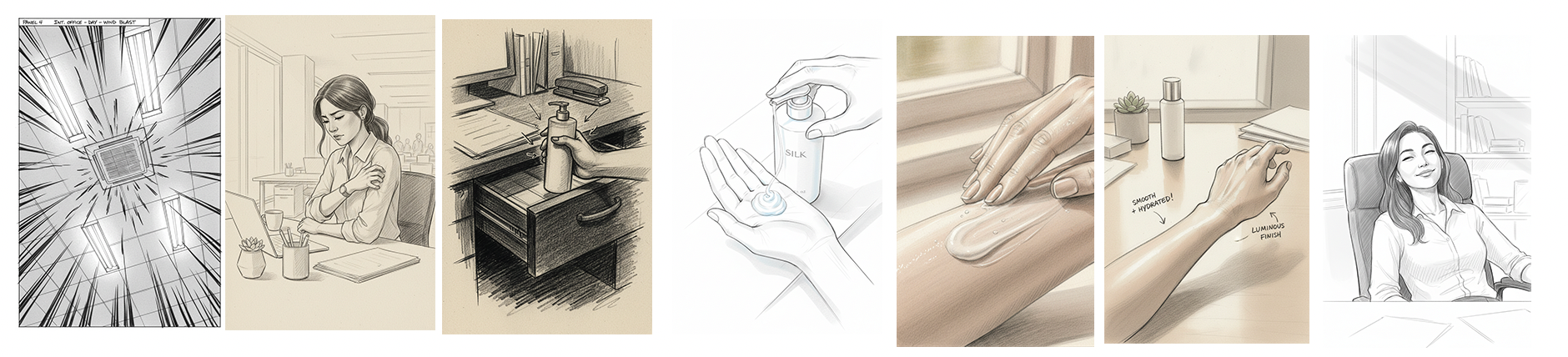
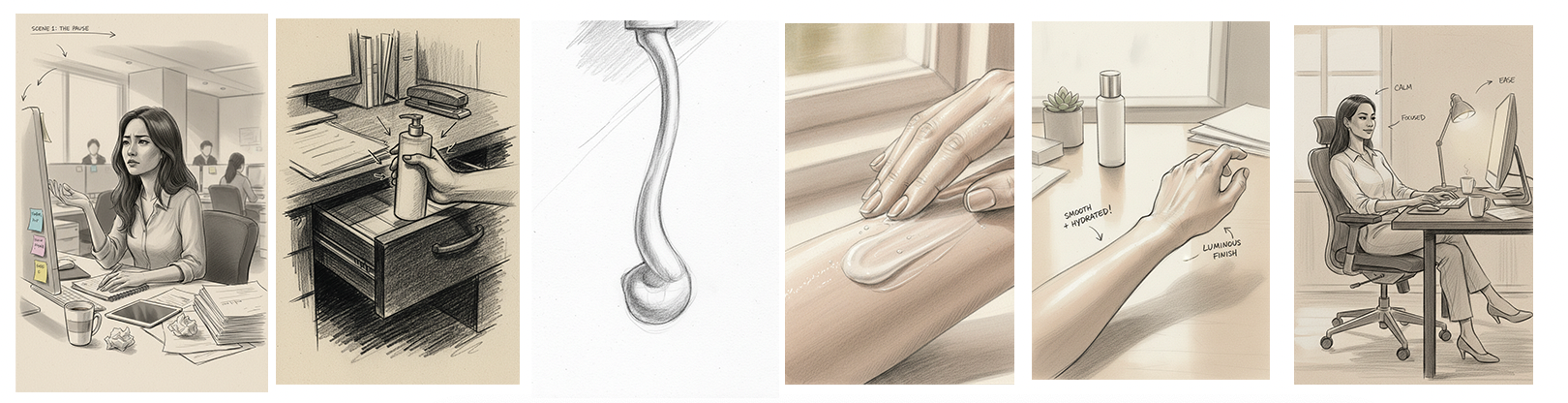
We generated static storyboard frames first.
Why?
Storyboards let you:
Only when the stills made sense did we move into video.
AI likes movement.
Brands like control.
This is how you keep both happy.
-
Problem-Solution Storyboard:
Sensorial Storyboard:
Step 8: Let AI Help, But Don’t Let It Lead
Every cell in the feed was crafted.
Each step asked:
- Does this still make sense?
- Would this confuse someone scrolling fast?
AI didn’t replace judgement.
It surfaced choices faster.
That’s the real value.
What This Workflow Really Teaches
This isn’t about skincare.
Or agents.
Or even Pencil.
It’s about a shift in creative work:
- From execution-first to thinking-first
AI doesn’t remove creativity.
It removes the excuse to skip thinking.
And when creatives slow down just enough to structure their decisions, the work gets better, and calmer.
That’s the real unlock.