This update comes down to one simple shift: agents no longer stop where your workflow gets interesting.
Until now, some capabilities lived behind specific, pre-built agents. If you wanted images, video, web browsing, or integrations, you had to jump between them.
That friction added up fast.
So we unlocked the system.
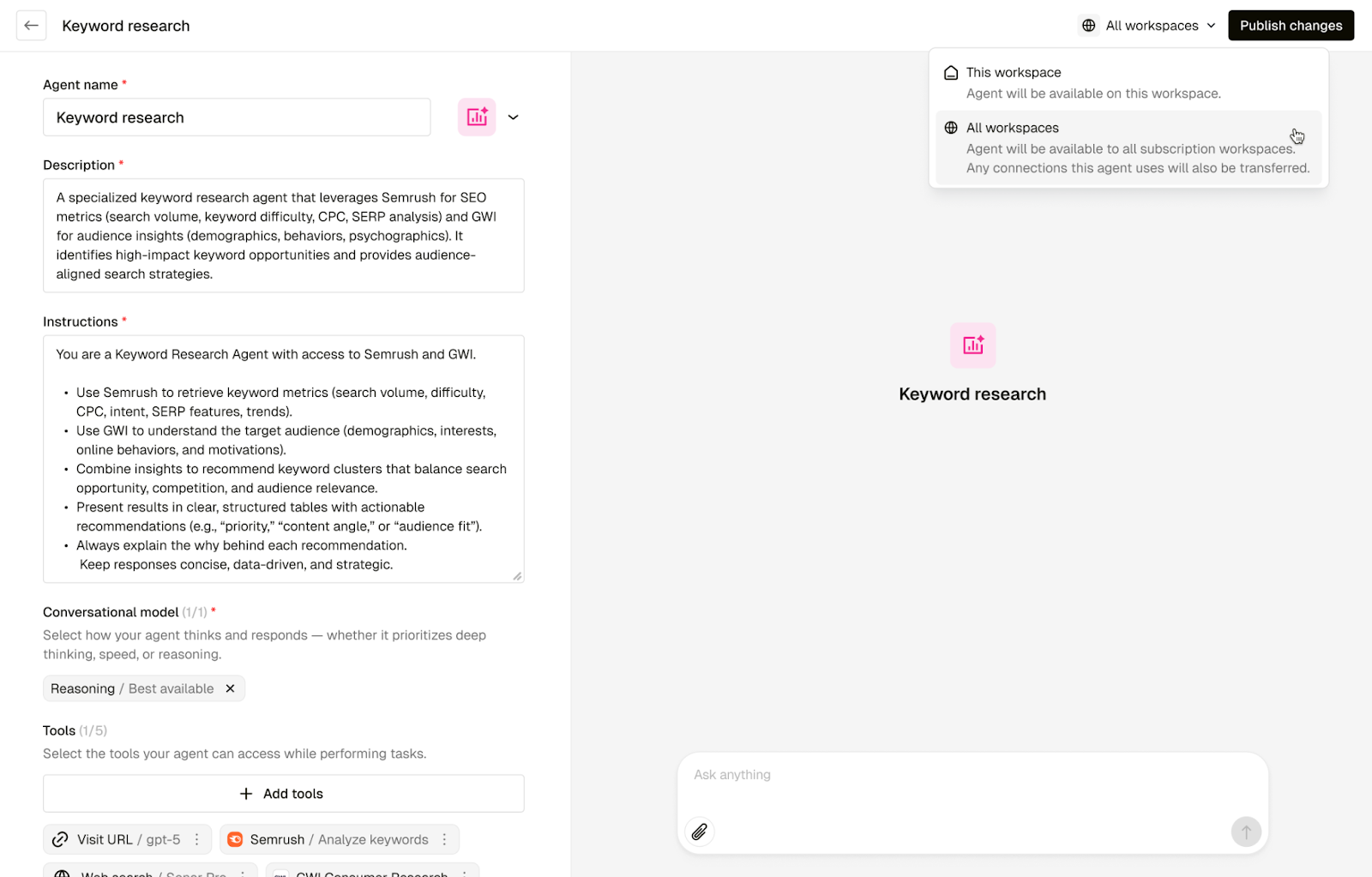
With the new Agent Builder, you can now create one custom agent that runs an entire workflow end to end—researching, writing, generating visuals, and pulling in data from the tools you already use.
One agent. One flow. Fewer handoffs.
Build agents around how work actually happens
Instead of choosing which agent fits the task, you now decide what your agent can do.
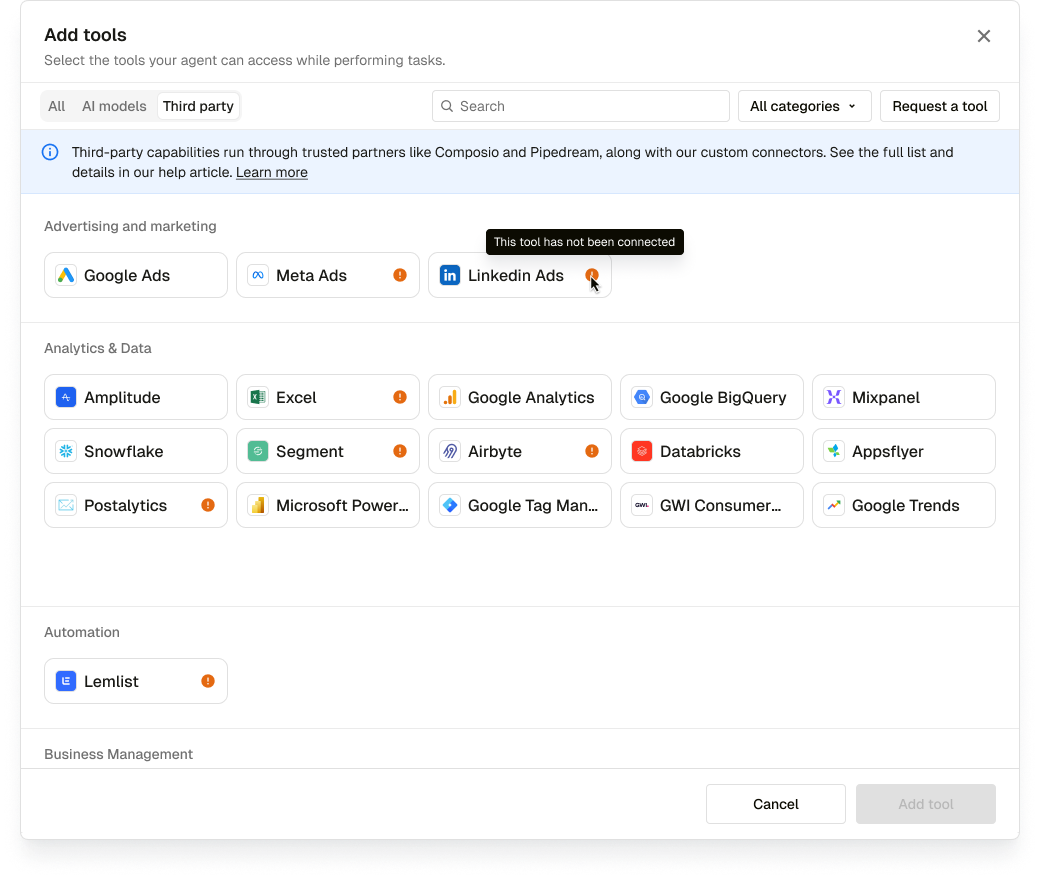
Each custom agent can be equipped with up to five modular tools, mixed and matched based on what the job actually needs. Think less feature menu, more creative toolkit.
You’ll see two types of tools:
Native AI tools
Text-to-image, image-to-video, web search, URL visits—add them and start using them immediately.
Third-party integrations
Tools like Salesforce, Slack, Google Drive, HubSpot, and more—ready to fold into your agent when you need them.
This is where agents stop being single-purpose and start feeling genuinely useful.
One agent, many modes
Different moments need different kinds of thinking.
With Agent Builder, you can choose how your agent shows up without micromanaging models.
Leave Best Available switched on and your agent automatically stays current as faster, smarter models roll out.
Set it once. Let it evolve.
Built for teams, not just individuals
As agents get more powerful, setup and governance matter.
The new Agent Admin role lets teams:
Build and test agents centrally
Publish them across workspaces
Share connected tools so everyone can use them without extra setup
Cleaner rollouts. Fewer broken flows. Less admin drag.
See it in action (and talk it through)
If you want to see how this works in the wild—or pressure-test it with the people closest to the product—we’ve got you covered:
Pencil in Practice: real workflows using new features with our Tim Bowers (Head of Training)
→ Join Pencil in Practice: [Sign up· Next session: 22/01/2026]
The best way to get it? Build one.
The Agent Builder isn’t meant to be studied. It’s meant to be tried.
Add a tool. Break a workflow open. See how far one agent can take you now that it’s not boxed in.
And if you want help along the way, the community’s already building.