

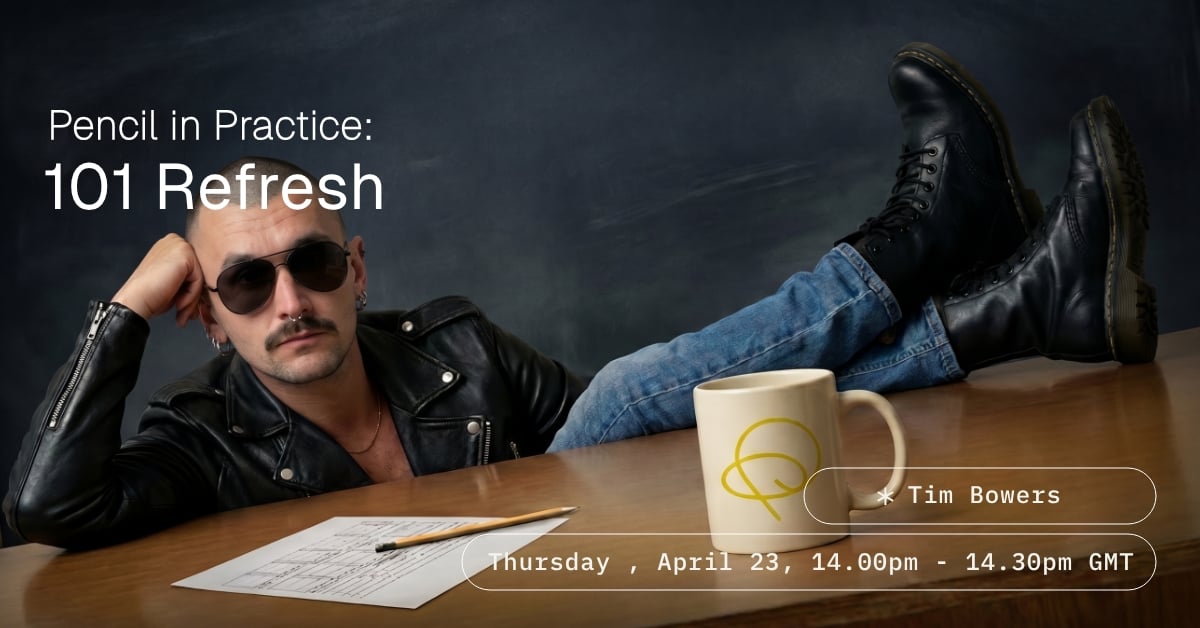
Pencil in Practice: 101 Refresh
This event has finished. Please view the recording here
Join our Head of Training for a live walkthrough of everything that's changed on Pencil — new UI, updated workflows, and the features you need to know. Whether you're brand new to the platform or just need to get current, this session is your fastest route to confident, up-to-speed Pencil use.
In this live walkthrough, we break down the latest Pencil updates from the ground up — covering interface changes, workflow improvements, and the new features reshaping how creative teams produce at speed.
You'll learn how to:
- Navigate the updated UI and find your way around the new layout with ease
- Use refreshed workflow tools to move faster from brief to output
- Apply the latest features to your day-to-day creative production
- Build good habits from the start — or reset any that no longer serve you
Whether you're onboarding fresh, returning after time away, or simply want to make sure you're using Pencil to its full potential, this session gives you a clean, confident foundation to build from.
Attendees


